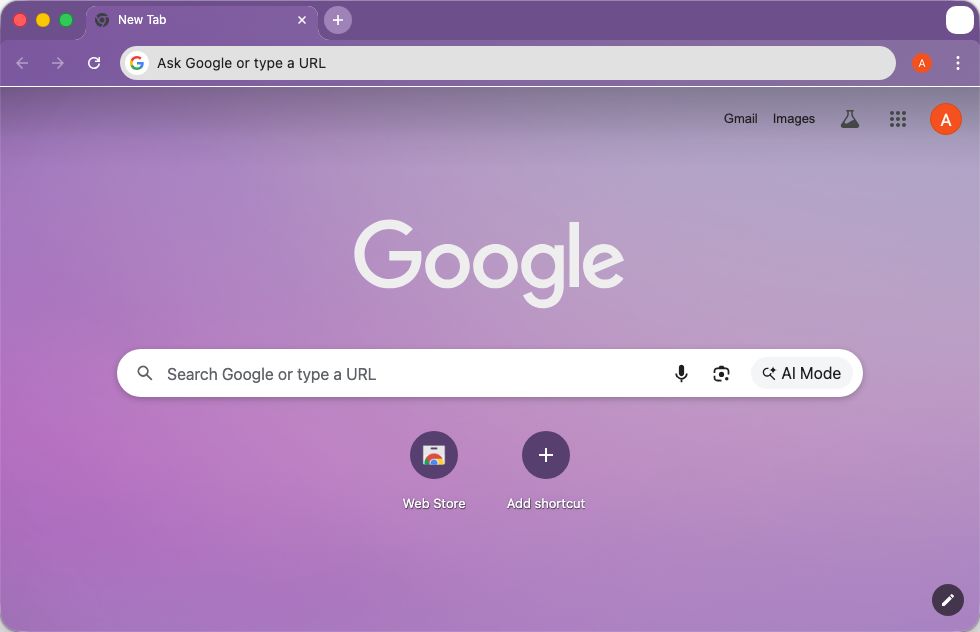
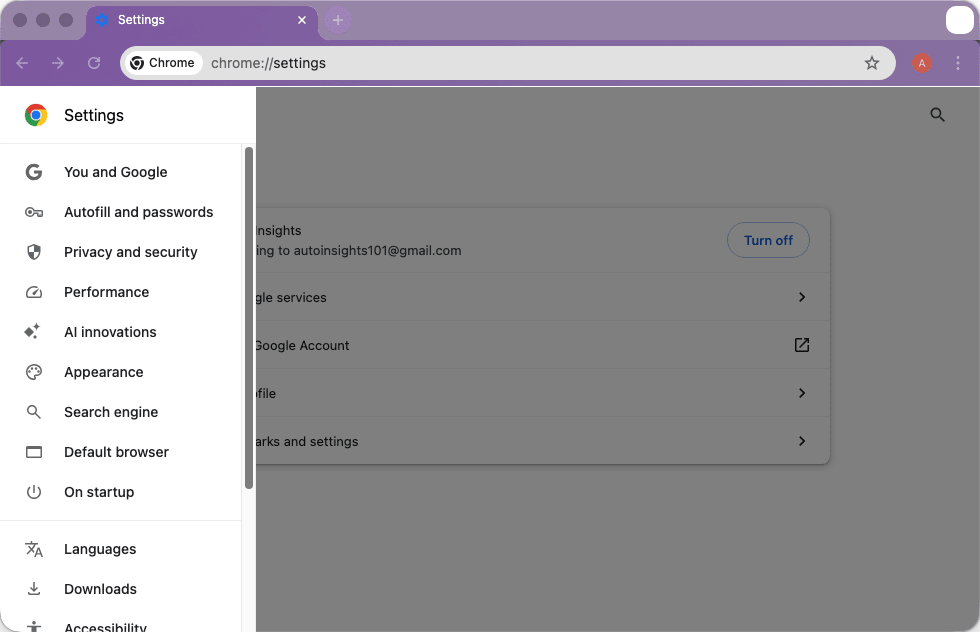
Google Chrome is arguably the most widely used web browser in the world. The macOS version is also a favorite among users who prioritize speed and smooth integration with online services, including Google’s own ecosystem, which has become foundational for most users. Chrome has built its reputation around performance, reliability, and compatibility with modern web technologies.
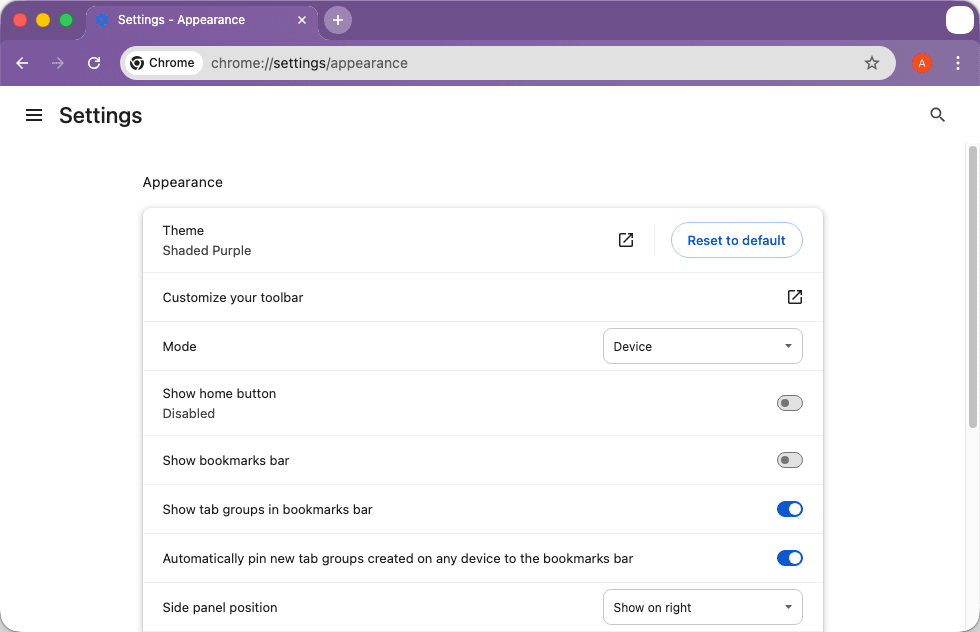
On macOS, the experience is polished, straightforward, and at times, even better than native apps. It is a fully functional and feature-rich browser that comes with support for themes and extensions as well.
Performance and browsing speed
Google Chrome is widely known for its strong performance ever since its inception. Page loading times are quick, especially when it comes to JavaScript-heavy websites. Many modern websites and apps are optimized specifically with Chrome in mind, which results in better performance and compatibility.
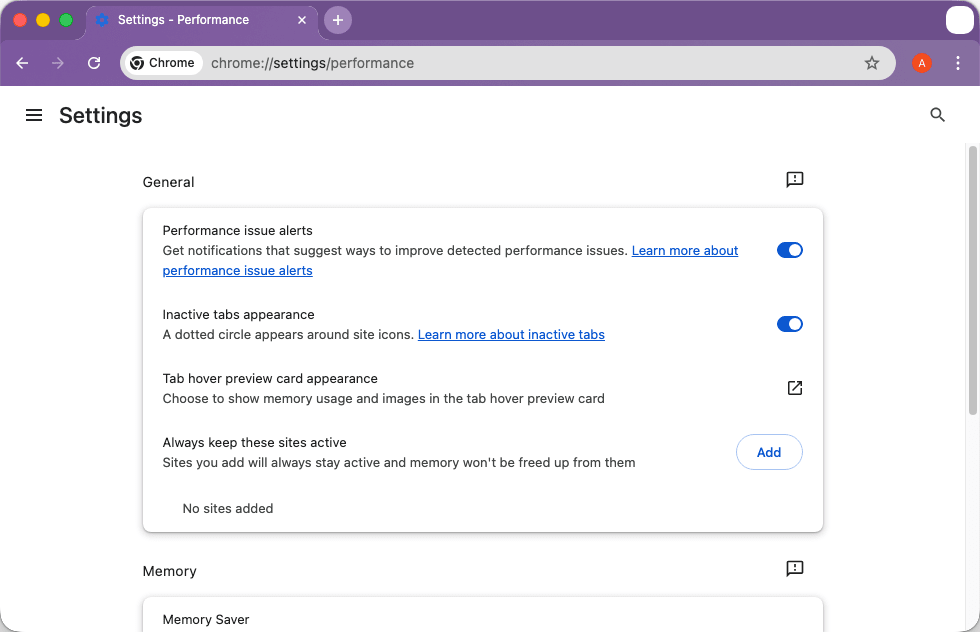
However, a common downside is Chrome's high resource footprint. While Google has introduced features like Memory Saver to suspend inactive tabs, systems with limited RAM can still struggle when multitasking with dozens of open windows.Extensions, customization, and ecosystem
The browser’s biggest strength lies in its ecosystem, which features a massive library of extensions, themes, and customization options. Users can install ad blockers, privacy tools, VPNs, password managers, security extensions, and so much more. These add-ons enable diverse workflows, whether for social media, research, development, online shopping, or productivity. Additionally, modern versions of Chrome feature native layout enhancements like vertical tabs and a distraction-free reading mode.Google services and cross-device syncing
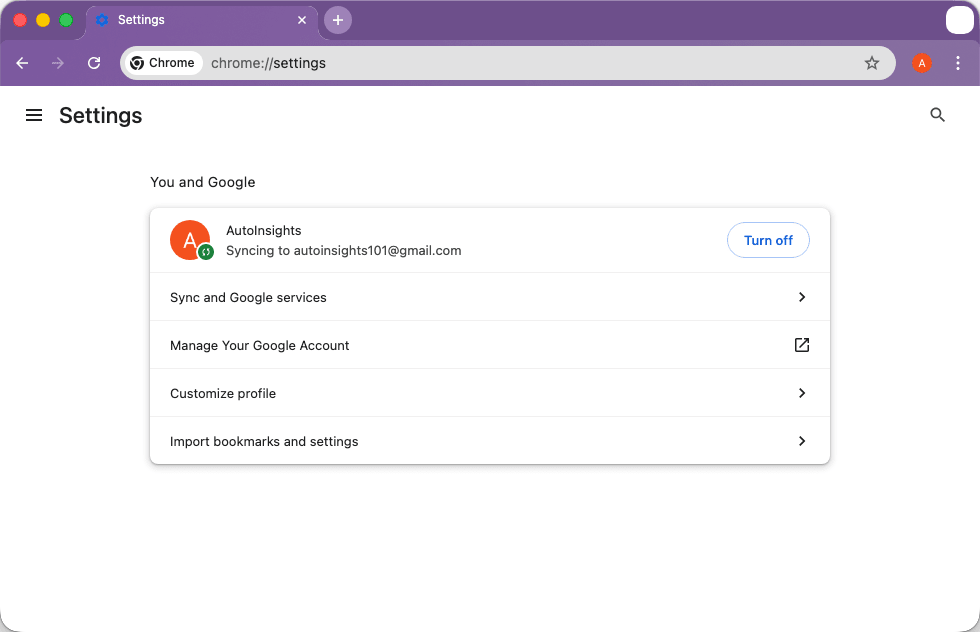
One of the main perks of the browser is its deep integration with Google’s ecosystem of services. Whether you are signing into your account, syncing browsing data across platforms, or accessing web apps, this is where Chrome truly excels.
This means that you can start a browsing session on your Mac and continue the same session on another Mac, Windows computer, or a mobile phone. It is fast, reliable, and always works.
For users who rely heavily on other Google services and tools like Drive, Gmail, Docs, and Sheets, this browser is undoubtedly the ideal choice.Security and automatic updates
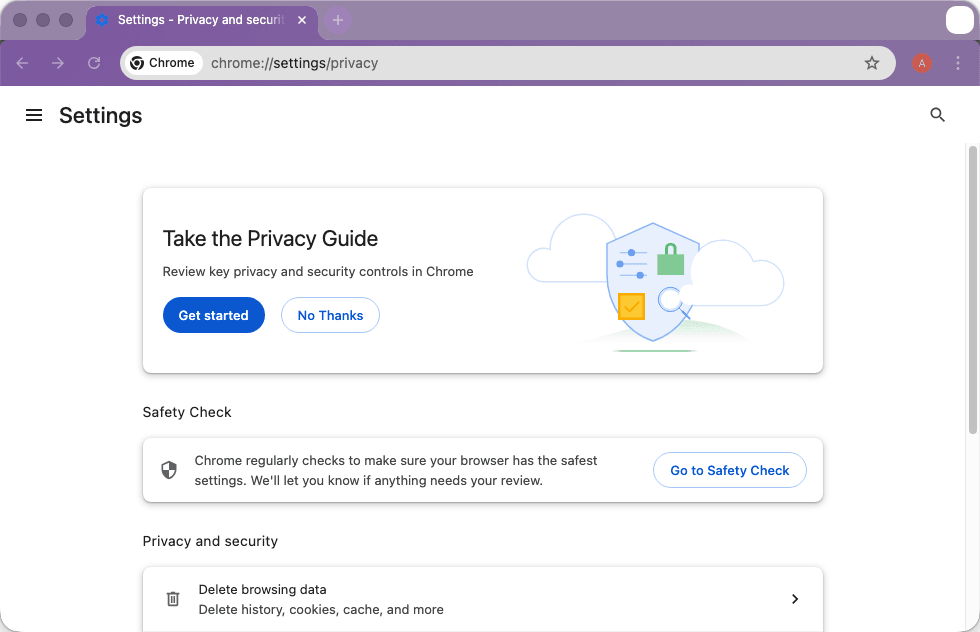
Security is another area where Chrome consistently delivers strong results. It comes with built-in protection features that warn users about dangerous websites, scamming attempts, and malicious downloads, which are blocked by default. You can also install extensions to further enhance security and privacy.
With Google’s massive support behind the browser, it is updated automatically and regularly, ensuring users receive the latest security patches and performance improvements against emerging web threats.A powerful and widely supported browser for Mac users
Chrome for Mac remains one of the most capable and popular browsers available today. Its speed, extension library, and reliable syncing make it especially appealing to users who rely on web-based tools or Google services.
While its resource usage can sometimes be higher than that of other browsers, Chrome’s reliability and compatibility with modern websites continue to make it a top choice for millions of Mac users worldwide.