Google is hard to avoid as soon as you turn on your computer. You search the Internet using Google, send emails using Gmail, watch videos on YouTube, and store files on Google Drive. However, Google wants you to use Chrome to browse the Internet. Is it worth it or not? Find out in our review.
Tied to your Google ecosystem
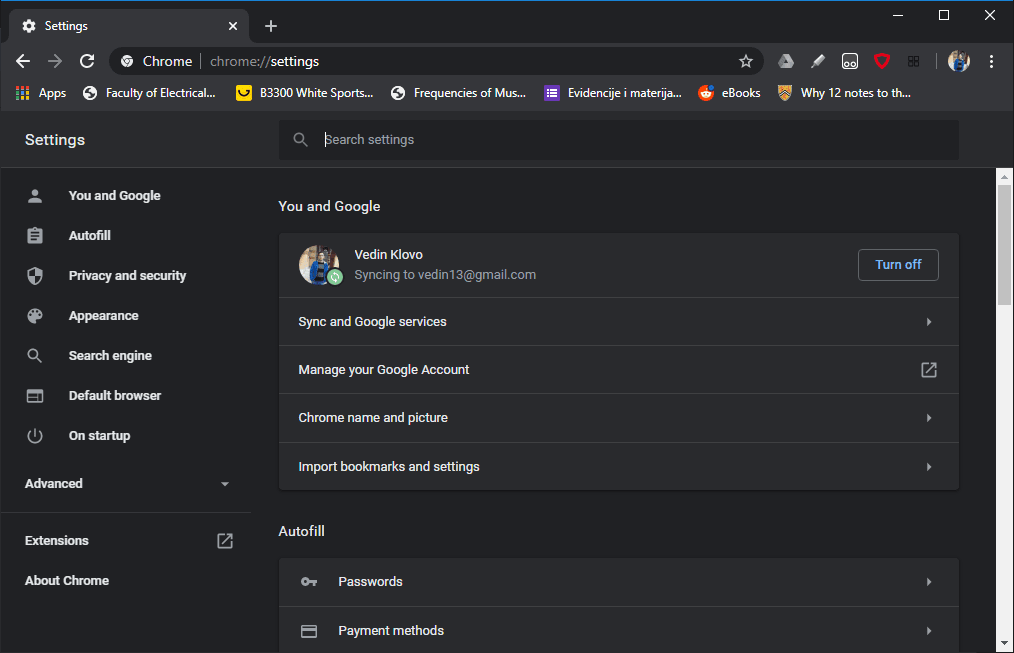
Google Chrome for Windows is a complete browser package available for free. As soon as you open it, you will be given the chance to integrate it with your Google Account. We say do it! You'll be able to share your history, bookmarks, and passwords between all devices signed in with the same account. Sure, other browsers also offer similar integration, but it's generally easier to keep everything tied to your main Google Account.Smart interface and password management
Chrome's user interface keeps getting better and better. It's simple enough and you can easily navigate between tabs. Chrome's password manager is very useful when signing up for websites. It can generate a strong password and save it to your Google Account. This can be quite useful if you don't want to keep remembering dozens of passwords for websites that might not even be that important.Built for multiple users and privacy
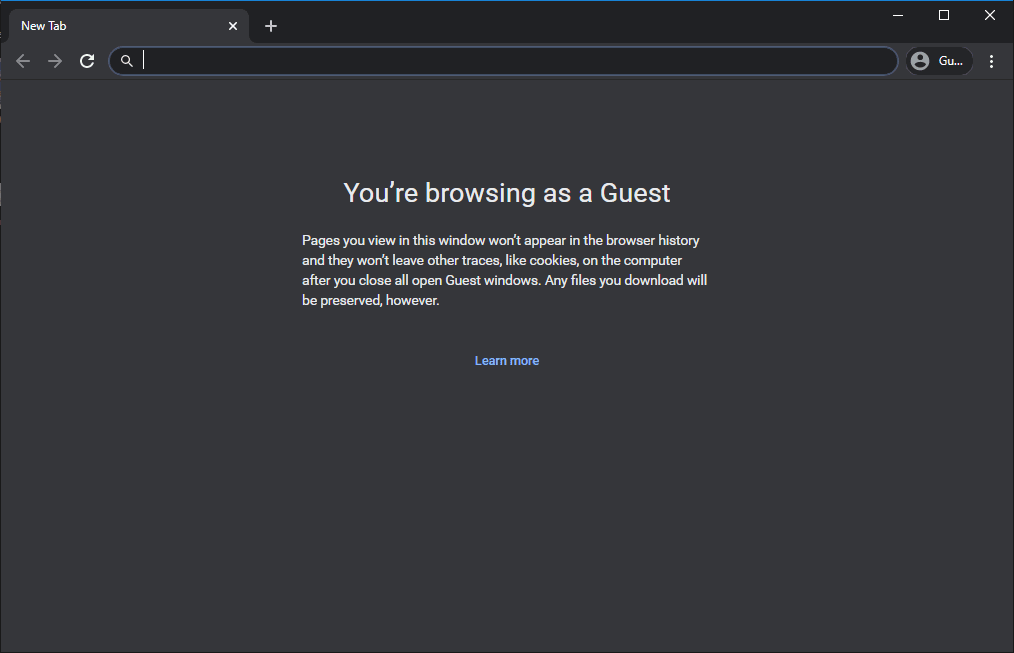
Chrome manages to pack many features into a seemingly simple interface. You can switch between multiple accounts when browsing, each one with its own history, bookmarks, and passwords. There are two additional modes: Incognito Mode and Guest Mode. In Incognito mode, your history, site data, cookies, and form data aren't saved. In Guest Mode, you simply open a fresh version of Chrome with no bookmarks, no history, no data! We love the built-in PDF viewer for everyone who doesn't want to download every document they view. If you're using Chrome on multiple devices, you can share links among devices with a click of the mouse!A massive library of services and extensions
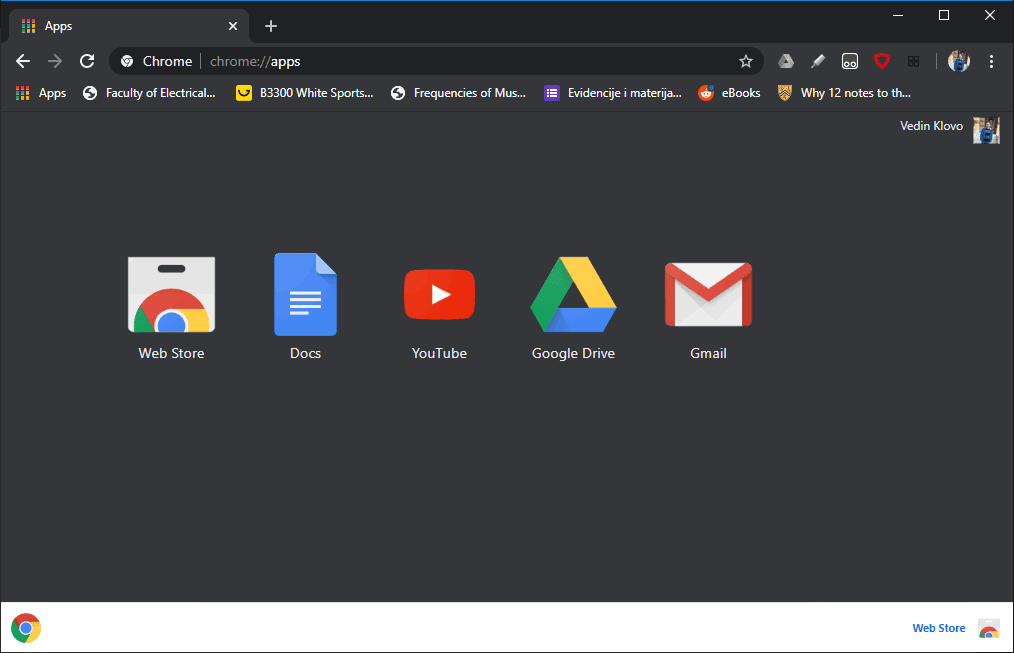
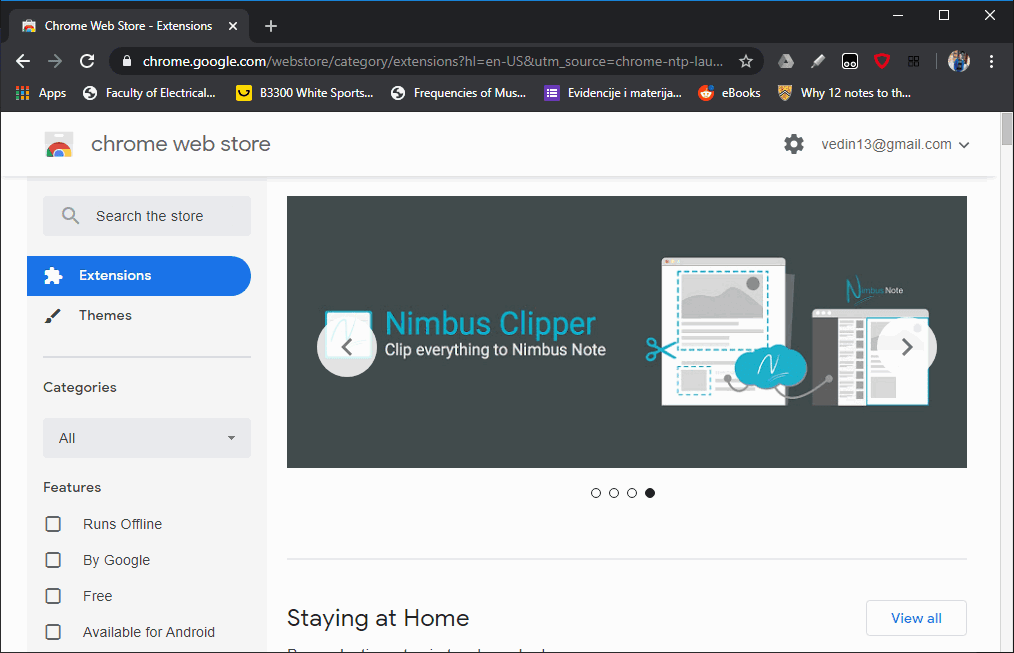
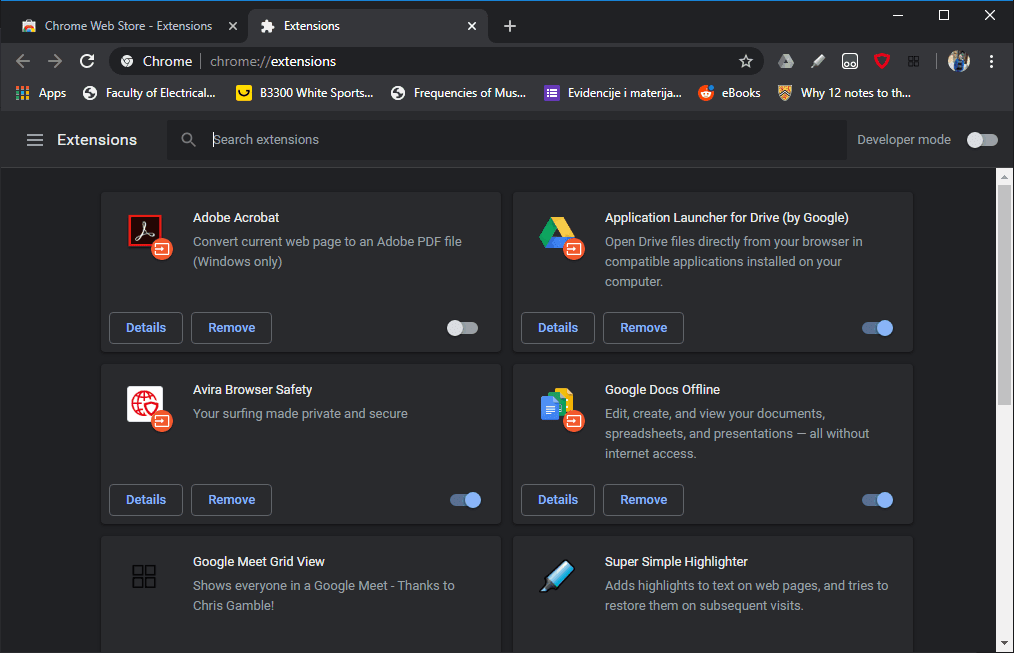
Other browsers find it quite difficult to fight with Google, considering the sheer number of services Google has integrated into its browser. You can translate entire websites in an instant using Google Translate, open Google Docs, Slides, and Sheets easily, and display search results for the text you select in the browser. They boast the largest library of extensions among all browsers, so you can add all sorts of productivity tools to your browser to make it even more useful.Performance and resource management
Performance-wise, Google Chrome keeps getting faster and faster. You can easily have dozens of tabs open and it will still function normally. You can customize it however you like, add extensions and apps from the Web Store, and much more! While it historically had a reputation for heavy RAM usage, modern built-in features like Memory Saver put inactive tabs on standby. As long as you have a relatively modern machine, you probably won't ever need to change the browser you're using.